Start with the Seed-Compiler from freepascal.org. The currently active Version is 3.0.4. You can compile a newer version using this one later on, but it’s not necessary (currently).
The “official” guides to install FPC + Lazaurs on Linux (and therefore the Raspberry Pi) are in the Wiki, for Linux and the Raspberry Pi. However, as IDE and compiler ar getting bigger, a little extra settings are required.
Download, Extract and install:
wget ftp://freepascal.stack.nl/pub/mirrors/fpc/dist/3.0.4/arm-linux/fpc-3.0.4.arm-linux-eabihf-raspberry.tar
tar -xf fpc-3.0.4.arm-linux-eabihf-raspberry.tar
sudo ./fpc-3.0.4.arm-linux/install.sh
Afterwards, you should have FreePascal available as text-mode, command line compiler:
pi@raspberrypi:~/Download/fpc-3.0.4.arm-linux $ fpc
Free Pascal Compiler version 3.0.4 [2017/10/11] for arm
Copyright (c) 1993-2017 by Florian Klaempfl and others
Now, download Lazarus. You might create a new directory for this, and you will probably need to install subversion, too:
sudo apt-get install subversion
svn co http://svn.freepascal.org/svn/lazarus/branches/fixes_1_8 fixes_1_8_5
To compile Lazarus, a few lot of dependencies are required, on a fresh install of Raspbian it’s something like
sudo apt-get install build-essential libgtk2.0-dev libgdk-pixbuf2.0-devThis little line pulls > 200MB to the Pi, which might take a while. Before we can start to compile the lot, we need to increase available swap-space on the pi. Otherwise, linking Lazarus 1.8 will fail on the Pi Zero at least.
sudo su -c 'echo "CONF_SWAPSIZE=1024" > /etc/dphys-swapfile'
sudo dphys-swapfile setup
sudo dphys-swapfile swapon
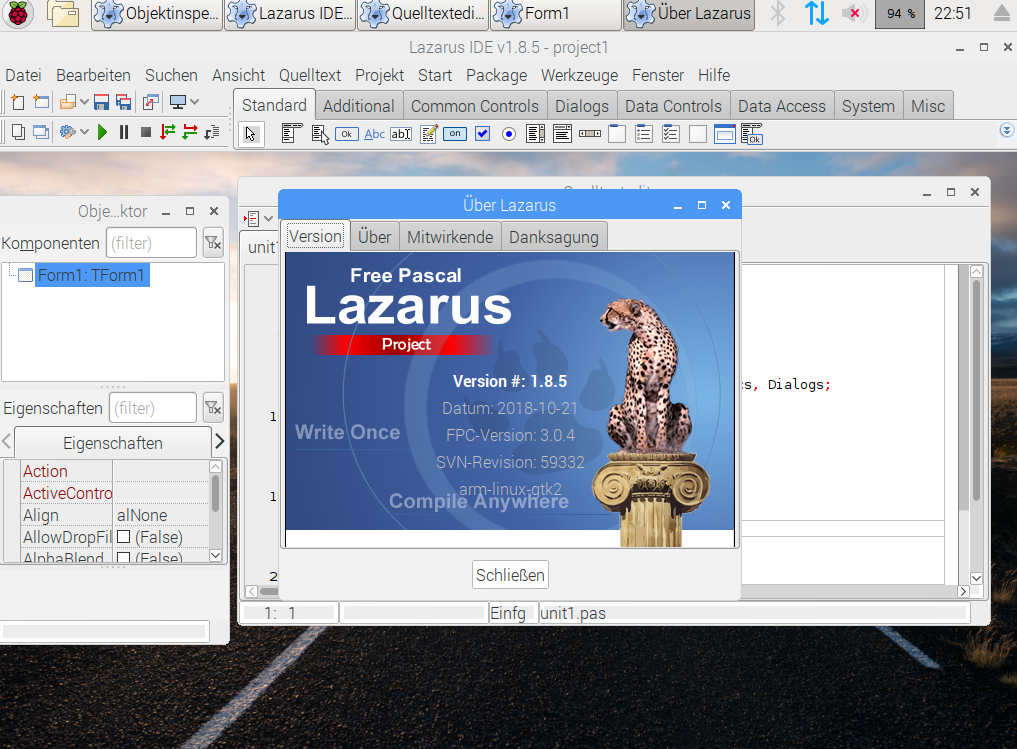
Then, building Lazarus is as simple as that (however, it might take 1 hour to complete….):
make all
sudo make install
Sometimes, “make bigide” is recommended. It will almost certainly not work, and compile a lot of packages that you probably don’t need. You can then install Lazarus by invoking “sudo make install”, or start it using “startlazarus”.
But: as we used the binary distribution of the compiler, Lazarus will not be able to find the compiler sources; specifically, those of the runtime library. You can probably ignore this; it’s better, however, to get those sources:
wget ftp://freepascal.stack.nl/pub/mirrors/fpc/dist/3.0.4/source/fpc-3.0.4.source.tar.gz
tar -xf fpc-3.0.4.source.tar.gz
cd fpc-3.0.4
sudo make fpc_sourceinstall
You might want to delete the extracted directory before starting Lazarus, to prevent it from finding this directory while searching for the Freepascal sources. If it does not find the directory on it’s own, you can point it to “/usr/local/share/src/fpc-3.0.4/fpc”.
Other variants:
An older version of FPC and Lazarus is allways available in the standard packages of your system. Also, fpxdeluxe does a very goot job in pulling and installing FPC and Lazarus of any desired revision; however, the armhf6 Version required for the Raspberry Pi Zero (and A…) does not currently work.